When you purchase a training course, it is automatically activated in your dashboard so that you can access it directly from the website where you made the purchase.
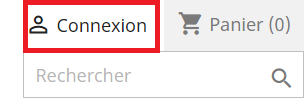
To view your training, simply log in to your account by clicking the Login button located at the top right of the screen. You can then enter the email and password you chose when creating your account.
Once you are logged in, go to the My Trainings section, which is accessible from the navigation menu or from your dashboard.

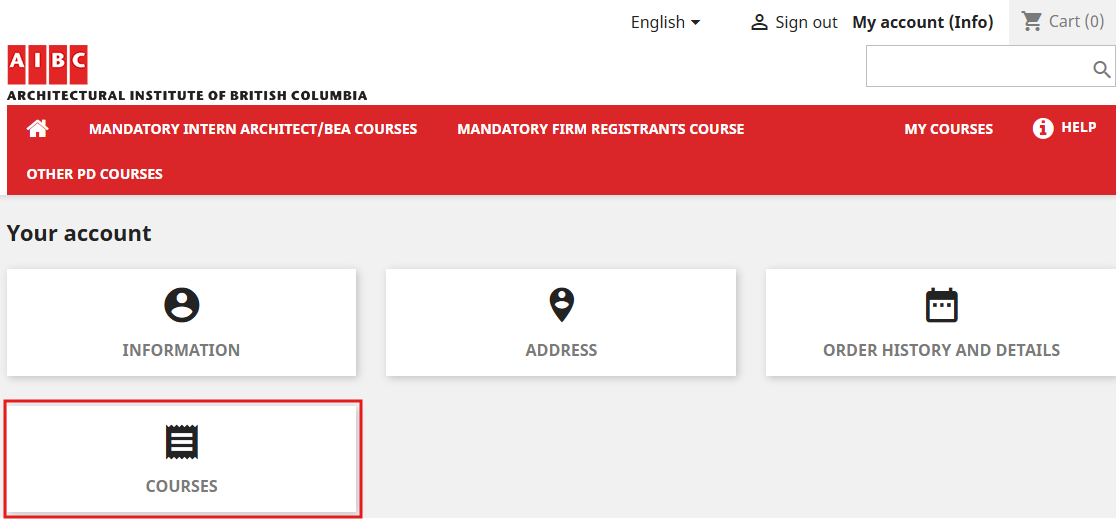
To access your dashboard, click on “My Account (Your first name)” at the top right of the screen. Then click on the “Trainings” section.
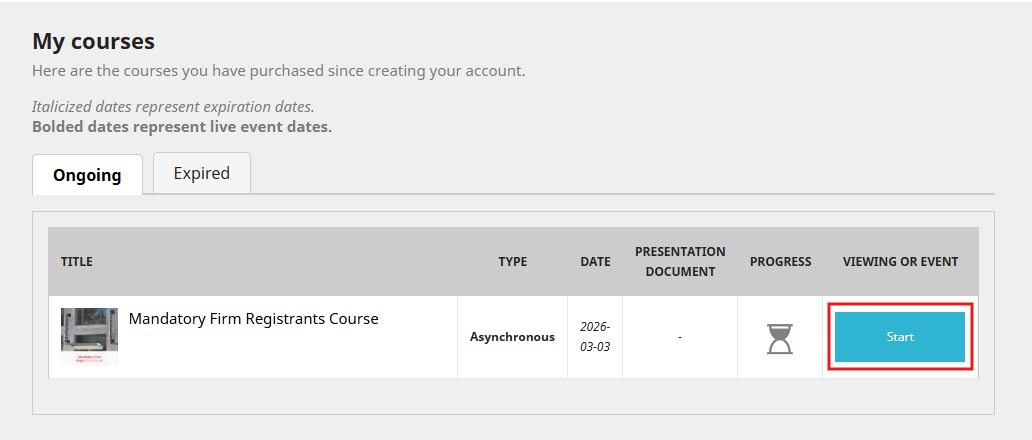
When the list of your trainings appears, select the one you wish to view and click the “Start” button.
Was this article helpful?
That’s Great!
Thank you for your feedback
Sorry! We couldn't be helpful
Thank you for your feedback
Feedback sent
We appreciate your effort and will try to fix the article